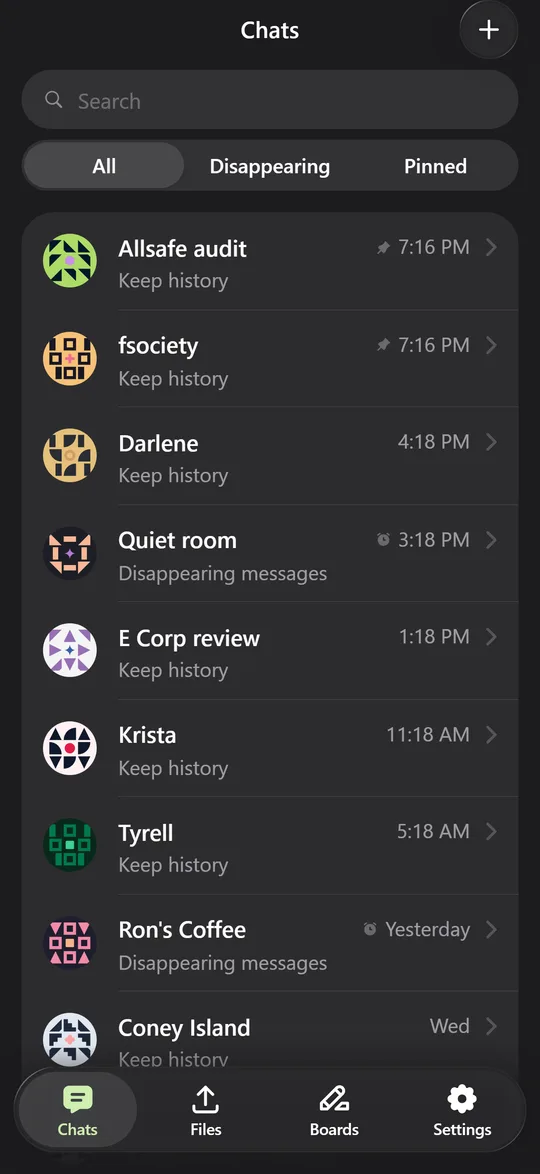
Install Encrypt.click
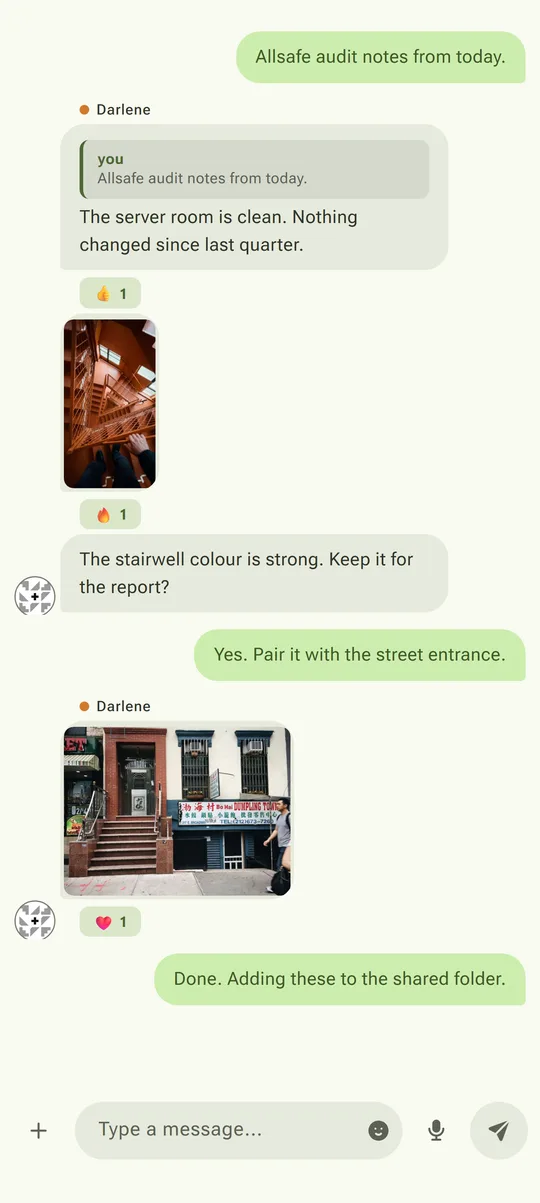
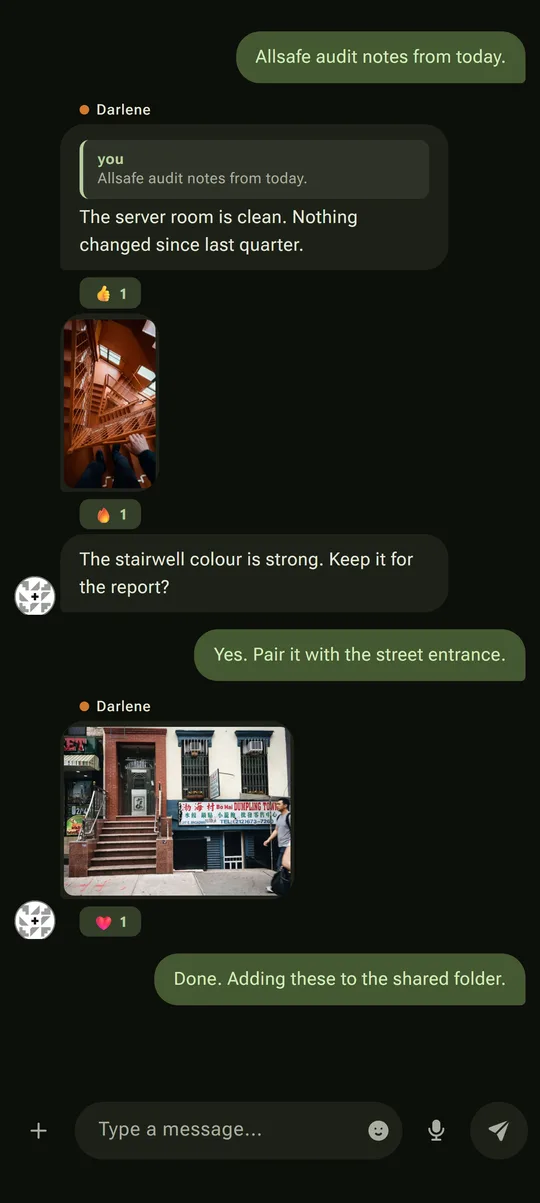
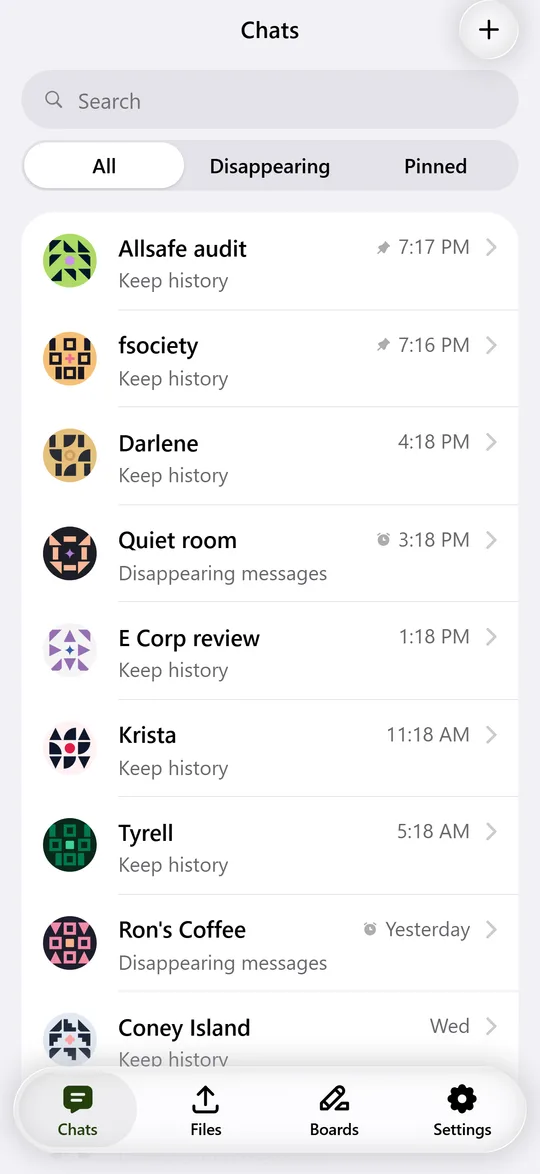
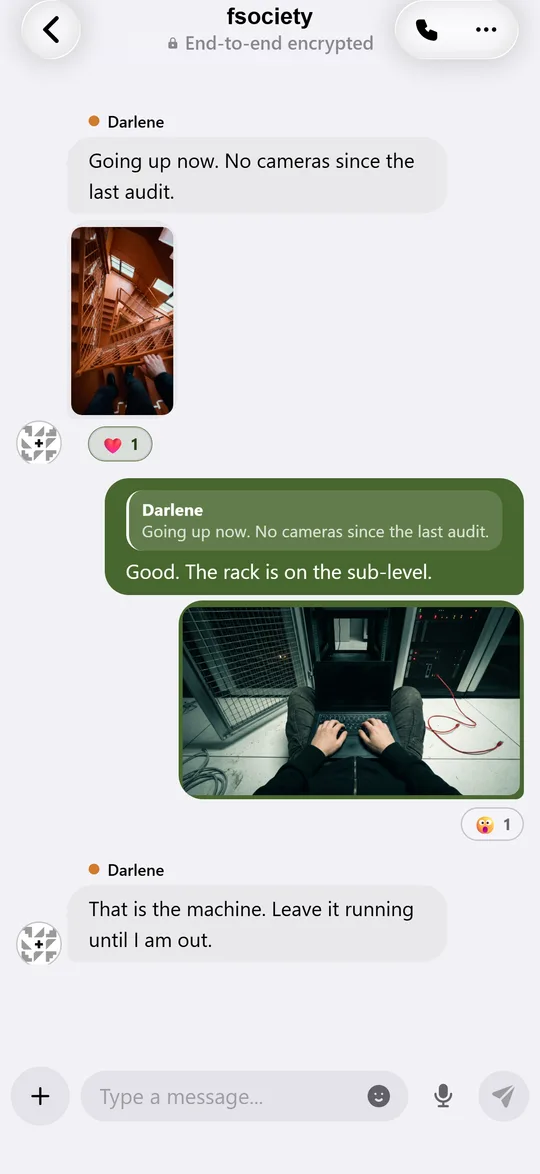
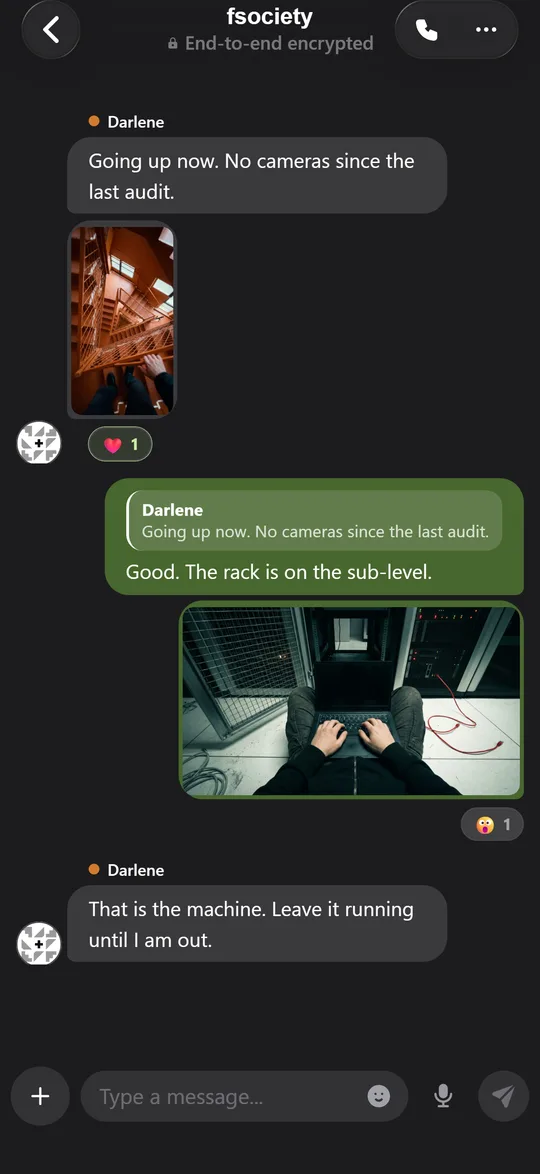
Install Encrypt.click on your phone for the same encrypted rooms and shares, with a passkey lock and your rooms saved on the device.
- Biometric lock
- Rooms on this device
- System share
- No app store
Step by step
iPhone and iPad
- Open Encrypt.click in Safari (other browsers cannot add it to the Home Screen on iOS).
- Tap the Share button, then Add to Home Screen, and confirm Add.
- Open Encrypt.click from the new Home Screen icon – not from a Safari bookmark.
Android
- Open Encrypt.click in Chrome or another Chromium browser.
- Open the browser menu and choose Install app or Add to Home Screen.
- Open Encrypt.click from the app icon or the app drawer.